Reading Guide: Blazor Web Development Cookbook (.NET 9)
For .NET developers who know Blazor basics and want proven recipes for real-world apps
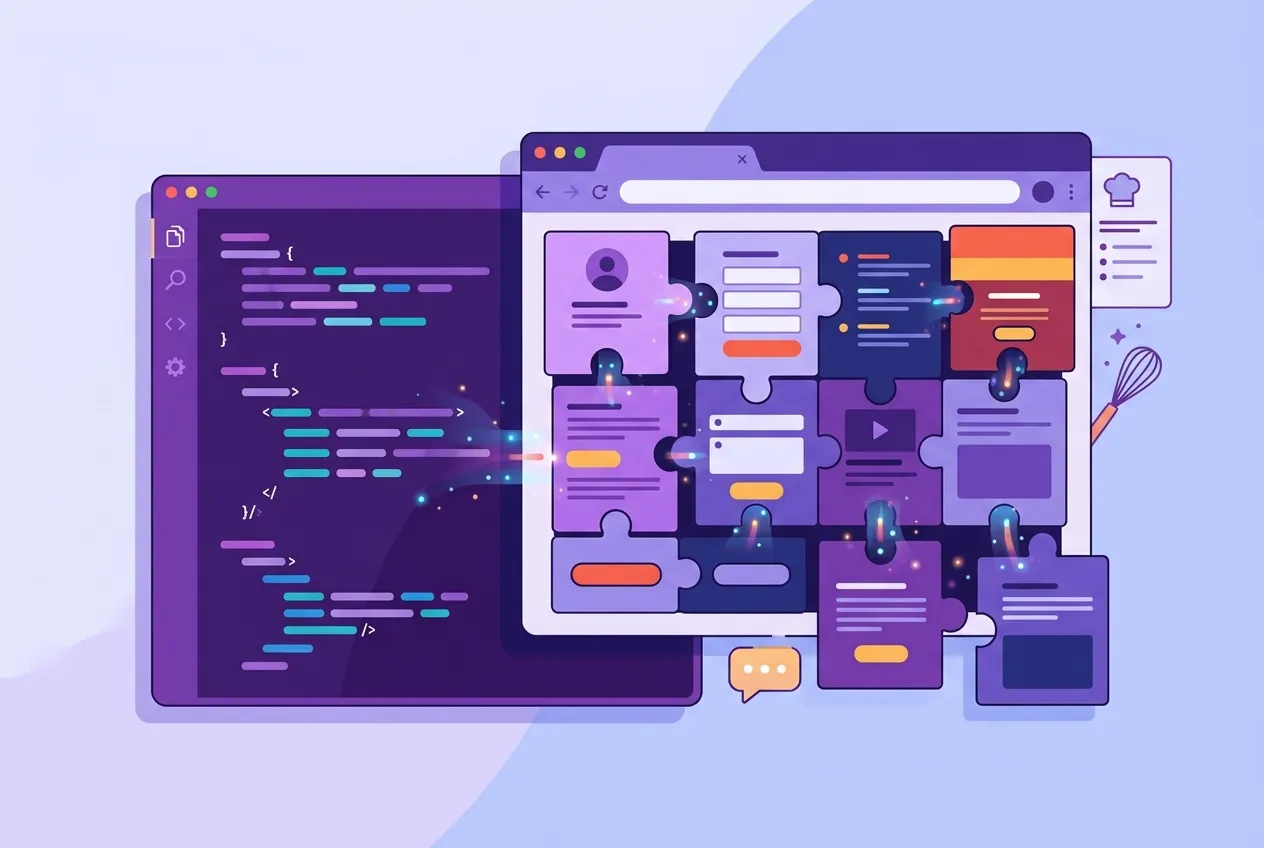
Blazor lets you build interactive web applications in C# and .NET, with far less JavaScript than usual. Paweł Bazyluk's Blazor Web Development Cookbook (Packt, 2024) targets .NET 9 and is built for developers who already know the basics and now face real-world problems: complex state, secure forms, large data grids and, increasingly, AI features. This guide shows you how to work through its recipes efficiently, in a sensible order.
Get the book: View Blazor Web Development Cookbook on Amazon
What this book is (and who it's for)
This is a cookbook: ten chapters of focused, task-based recipes rather than a cover-to-cover tutorial. The author has more than a decade of .NET experience. He takes you from component-based architecture through data binding, event handling, grids, state, forms, validation, security, routing and finally an integration with OpenAI services.
Packt pitches it at developers with a foundational understanding of Blazor and .NET. It also suits frontend engineers, .NET developers and solution architects who want full-stack skills. If you have never built a Blazor component, start with an introductory tutorial first. Knowing HTML, CSS and some JavaScript also helps.
Before you start
- .NET 9 SDK and runtime installed on your machine. The recipes target .NET 9.
- An IDE with .NET and Blazor support: Visual Studio, Visual Studio Code or JetBrains Rider all work.
- A modern browser that supports WebAssembly.
- Any major OS: Windows, macOS and Linux are all supported.
- For Chapter 10, plan for access to Azure OpenAI services. Set this up in advance so you don't stall at the final chapter.
- Create a scratch Blazor Web App project so you can drop each recipe into a working app and try variations.
How to read it
Cookbooks invite random access, but the first chapters lay foundations the later recipes rely on. Here is a roadmap.
Stage 1: Foundations (Chapters 1–3)
Read these in order. Chapter 1 covers component-based architecture: parameters, reusability and dynamic customization. Chapter 2 moves into synchronous and asynchronous data binding, including two-way patterns and throttling input when you talk to external services. Chapter 3 covers event handling: delegates, lambdas, EventCallback, controlling default behavior and propagation, custom events, and keeping the UI responsive during long-running work. Even experienced Blazor developers should at least skim Chapter 3, because event handling is where many subtle bugs live.
Stage 2: Data and state (Chapters 4–5)
Chapter 4 is about grids. It covers actions on rows, columns or cells, infinite scrolling, and pagination and virtualization for large datasets. Chapter 5 tackles application state, from bookmarkable routes and in-memory or injectable state containers to browser persistence and components that react to state changes. If your app is struggling with state across render boundaries, jump straight to Chapter 5.
Stage 3: Forms and security (Chapters 6–8)
Chapters 6 and 7 belong together. The first builds interactive forms and protects them with antiforgery tokens. The second adds validation: client-side, asynchronous server-side, conditional submission and toast-style messages. Chapter 8 covers authentication and authorization, including JWT support, roles, custom policies, a custom authentication provider and tenant-specific rules. If you work on business apps, read Chapter 8 carefully and adapt it to your own identity setup.
Stage 4: Routing and AI (Chapters 9–10)
Chapter 9 explores routing from external assemblies, constrained routes, centralized routes for deep linking, and navigation events that can cancel requests or protect unsaved input. Chapter 10 integrates Azure OpenAI to build a smart support-ticket form and an AI chatbot. It's a fun capstone, but you can skip it on a first pass if AI isn't on your roadmap.
Key ideas to take away
- Components are the unit of design. Small, parameterized, reusable components keep Blazor apps maintainable.
- Async everywhere. Asynchronous binding and handlers keep the UI responsive when you call external services.
- Treat state as a first-class design decision. Choose deliberately between URLs, injected containers and browser storage.
- Big data needs virtualization. Pagination and virtualization keep large grids usable.
- Security is layered. Antiforgery protection, validation, and role- and policy-based authorization work together.
- AI is just another service. With good architecture, adding AI features becomes an integration task, not a rewrite.
Practice and discussion questions
- Take a page in your own app and split it into three reusable components. What parameters does each one need?
- When would you choose an
EventCallbackover a plain delegate, and why? - Build a grid of 10,000 rows twice, once with pagination and once with virtualization. How do responsiveness and code complexity compare?
- List the state your app holds. Which items belong in the URL, which in an injected container, and which in browser storage?
- Why is antiforgery protection especially important for public-facing forms?
- Design a custom authorization policy for a multi-tenant app. What claims does it check?
- How would you stop a user from losing unsaved form input when they navigate away?
- What risks (cost, privacy, accuracy) should you weigh before adding an AI chatbot to a production app?
Pair it with
- ASP.NET Core fundamentals. Blazor sits on ASP.NET Core. Murach's ASP.NET Core MVC (2nd Edition), also in the BooksPlusAi store, is a solid companion for the server side.
- Modern C#. Async/await, records and pattern matching show up constantly in Blazor code.
- Web security basics. Learn how JWTs, CSRF and authorization policies work at the HTTP level to get the most from Chapter 8.
Start cooking
The best way to use this book is with your editor open. Pick a recipe, run it, break it, then adapt it to a problem you actually have. Work through the foundations, keep a scratch project going, and you'll build Blazor apps that are modular, secure and ready for AI-powered features. Get Blazor Web Development Cookbook on Amazon or explore more on the BooksPlusAi shelf.
As an Amazon Associate, BooksPlusAi may earn from qualifying purchases.
Sources
Browse the books mentioned here and more on our shelves.









Comments
No comments yet — be the first to share your thoughts.
Join the discussion